


Let’s explore AdSport together.
Share your goals and channels, and we’ll plan a demo around them. Want to try it right away? You can also open a free account.
Share your goals and channels; we’ll walk through the planning flow together in a tailored demo.
In the demo, we show what’s live and what’s on the roadmap separately.
Share your goal and we’ll get back to you.
Together we build a sample campaign calendar with your own channel mix.
Planning flowRoadmap
The planned brief-to-plan flow.
AI team rolesRoadmap
What each role does.
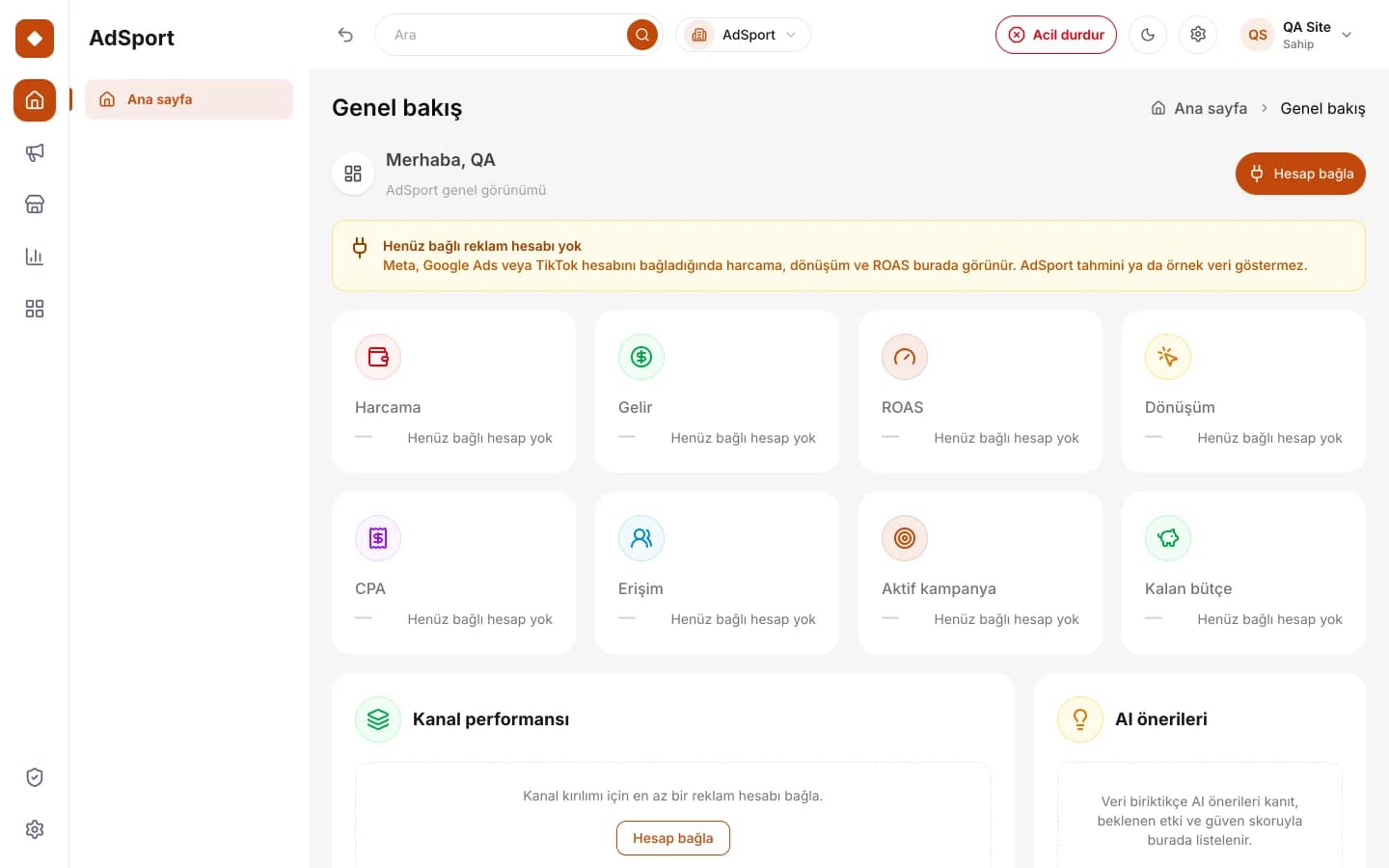 Real dashboard screen
Budget rulesRoadmap
Caps, thresholds and emergency stop.

One report
Connectable sources and their status.

Form
Share your goals and budget.
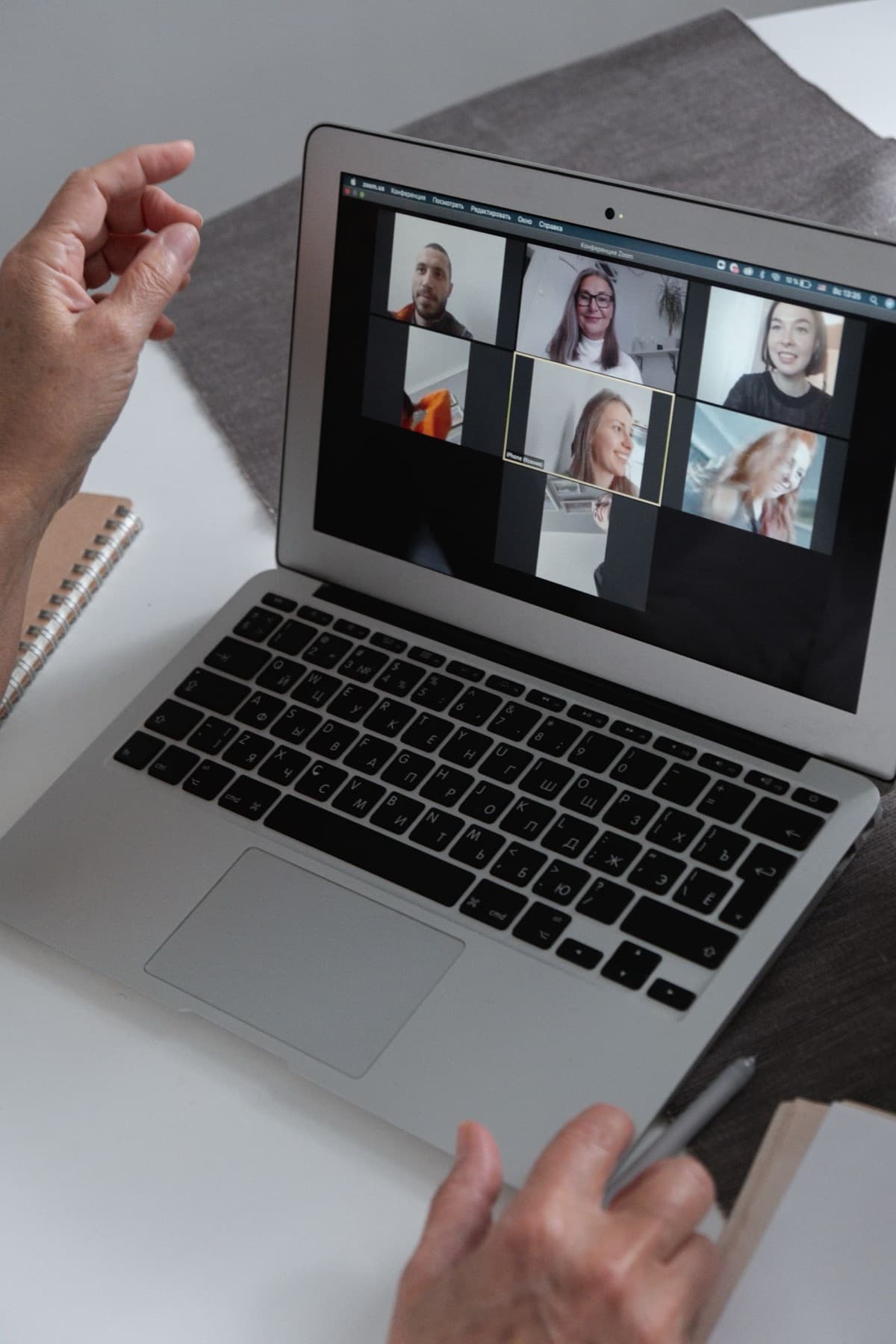
Intro call
A quick chat about your needs.

Demo
We walk through the flow with your example.

Next step
Account setup or a pilot.
The demo call is for information. We listen to your needs, show the parts of the platform that are live today and explain roadmap capabilities with sample views. The call does not create any purchase or contractual obligation. There is no need to rush a decision after the call.
Media plan recommendations from a brief are on the roadmap. In the demo, we discuss your own goal and budget and use sample views to show how the planning flow is planned to work; these views are not a real plan or a performance commitment. This feature will be announced in your account when it opens.
It is not required. Thinking about the channels you use today, your approximate advertising setup and where measurement is difficult will make the call more productive. If you are an agency, briefly describing the client structure you manage also helps. It also helps if decision-makers join.
Yes. By opening an account in the platform, you can set up your organization, brands and team today. Live and roadmap parts are clearly marked in the platform as well; you can still request a demo later. Opening an account does not put you under any obligation.

The form takes one minute.
Share your goals and channels, and we’ll plan a demo around them. Want to try it right away? You can also open a free account.
We hear which channels you advertise on today, how you measure results and where you get stuck. The rest of the call is shaped around that; the aim is to talk about your problem, not our product.
We walk through the organization, brand profiles, team roles, two-factor authentication, the emergency stop and the Integrations page in the platform together. We show clearly what each part does today and what it does not.
Using sample views, we explain how media plans from a brief, the AI marketing team, creative production, budget rules and unified analytics are planned to work. These views are not real data.
Based on your team structure and goals, we discuss openly where you can start today and which steps depend on later phases. We also tell you which steps are still too early for you.
You share your name, company, contact details and a short description of your goal. The information in the form is processed only to respond to your request. Before submitting, you confirm the KVKK privacy notice (Türkiye’s data protection law).
Our team gets in touch with you and briefly listens to your needs. Who will join the demo and a suitable time are agreed together. The initial call is kept short.
We explore the platform together by sharing the screen. Live parts are shown in the real interface; roadmap capabilities are shown with labeled sample views. You can ask questions throughout the call.
If it suits you, you open your account and set up your brands and team. If you need more time to decide, that’s fine too; you can send us your questions after the call as well.
Demo request form
You can fill in the form today; our team will respond to your request.
Account, brand and team management
Organizations, multiple brand profiles, team roles and security features are live in the platform.
Ad account connections and launch
Google Ads, Meta, TikTok, Microsoft and Yandex connections and campaign launch are on the roadmap.
Media plan and unified report
Media plan recommendations from a brief and analytics that bring every channel into one report are on the roadmap.
Live: available today at app.adsport.com.tr. Roadmap: in development, not yet available.
The planning flow with your own brief · The roles in the AI marketing team · Budget rules and approval thresholds · One report and the data sources you can connect